Get started with MDBG Chinese Reader using these helpful guides and sample documents.
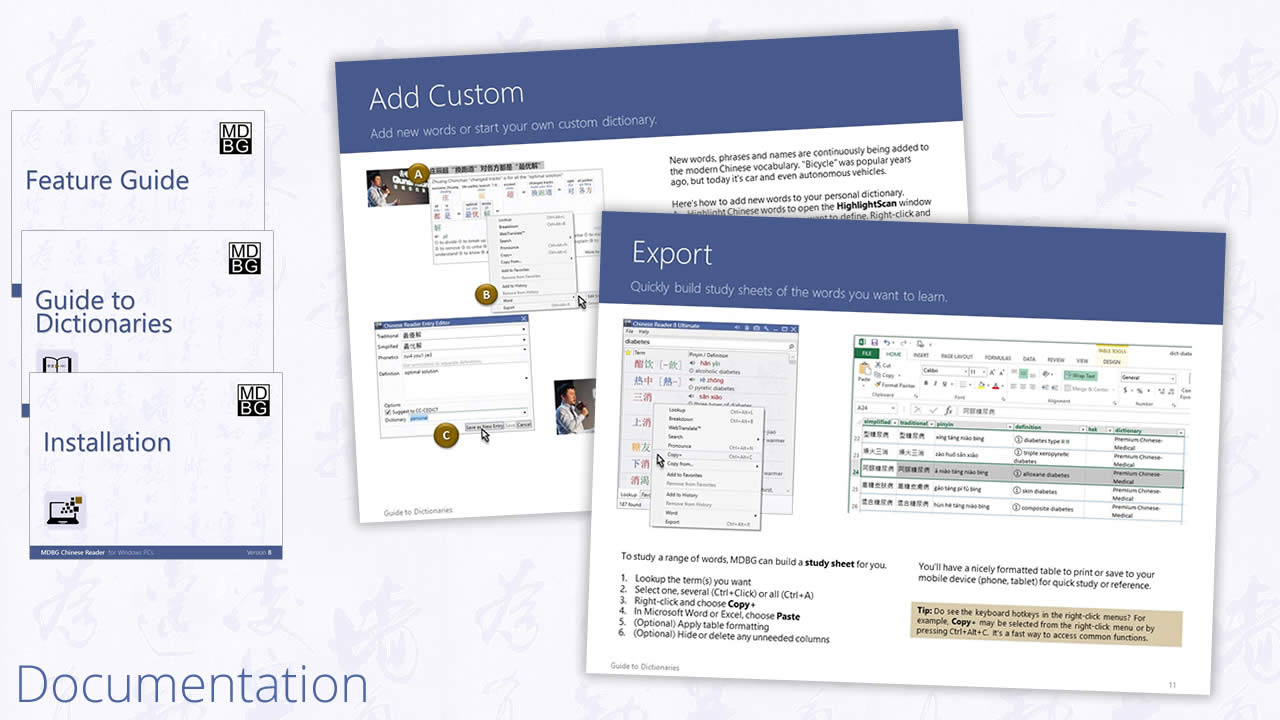
Quick guide to key features of MDBG Chinese Reader 6: LiveScan, HighlightScan and Lookup
Simple instructons for downloading, installing and activating this dictionary and transation software for Windows
Now that you've installed the software, it's time to get started on your favorite Chinese websites, emails or other documents
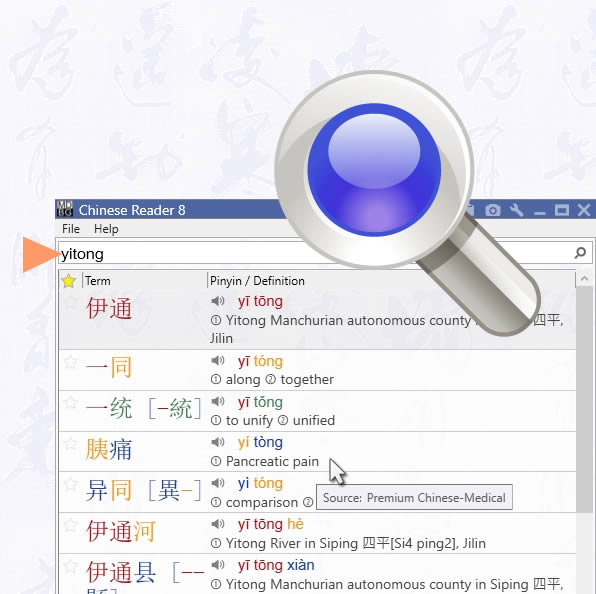
Browse the many ways MDBG Chinese Reader helps you understand and learn Chinese. Just point (or highlight) Chinese text to get started
Tune the Settings of Chinese Reader to display, speak, and act the way you want. As your proficiency improves, adjust the settings to match your needs
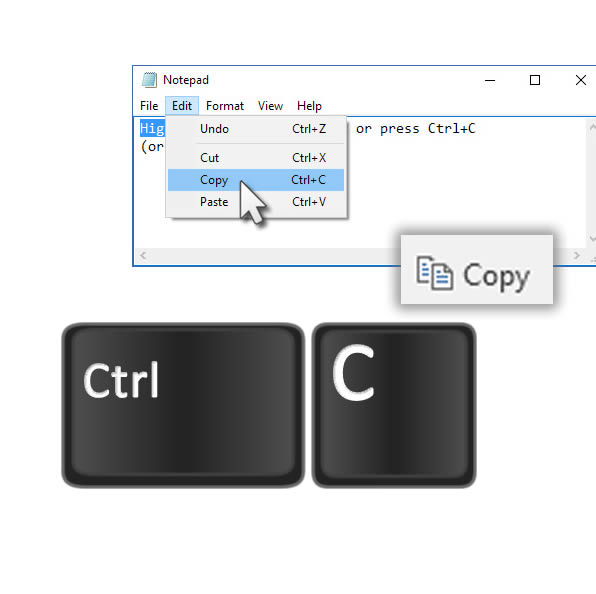
Example of a study sheet generated by MDBG Chinese Reader (Copy function) and formatted in Microsoft Word 2010 (PDF)
Here's a nice way to study words in an idiom. Generated by MDBG Chinese Reader (Breakdown, Copy) and formatted in Microsoft Word 2010 (PDF)

Feature
Guide
Portfolio
of Screen Images
Using MDBG Chinese Reader
Interactive Guide to Settings
More guides